WhatsApp Desktop
WhatsApp for PC is the most popular web app that helps you end-to-end encryption chat and audio/video calls.

Safe & Secure
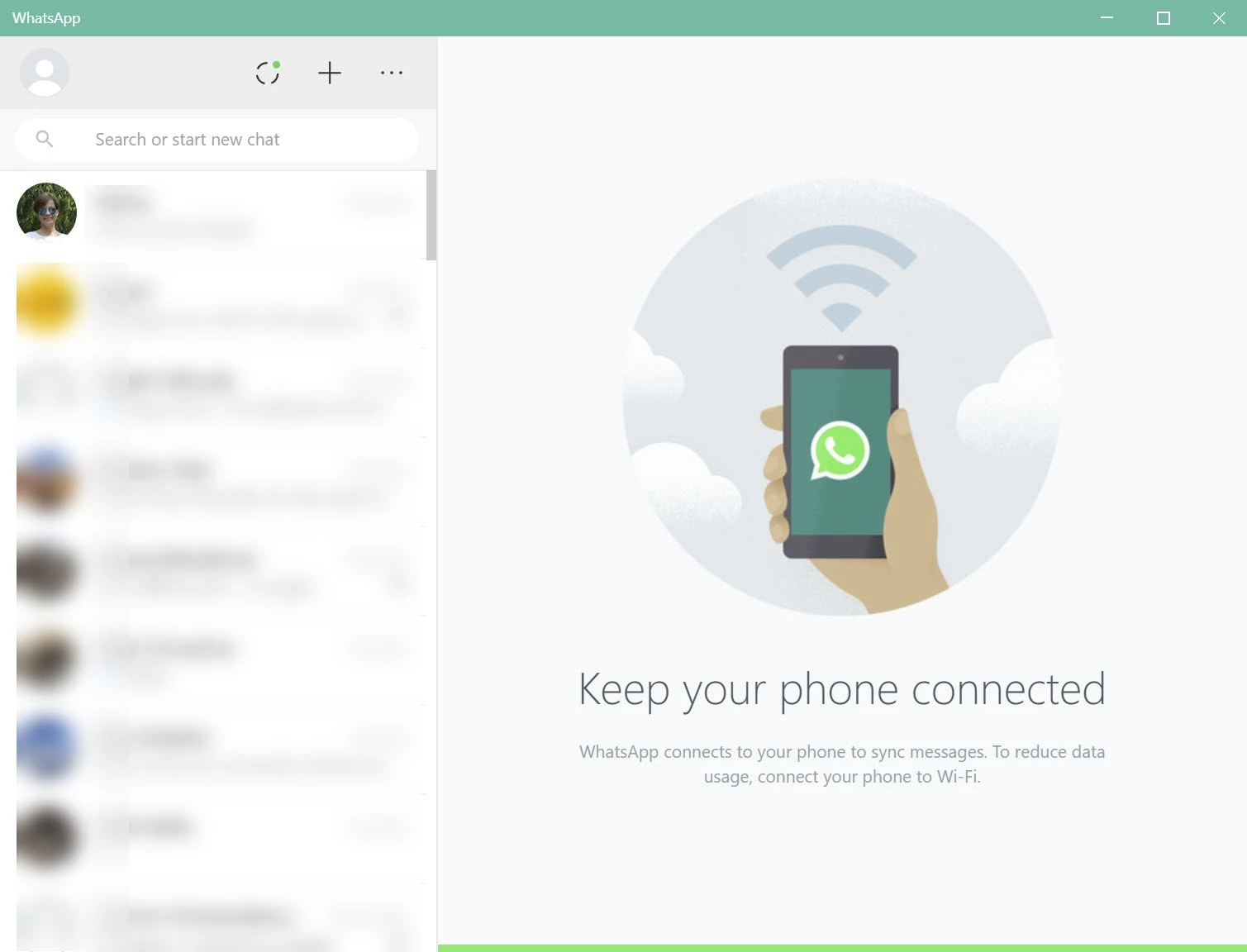
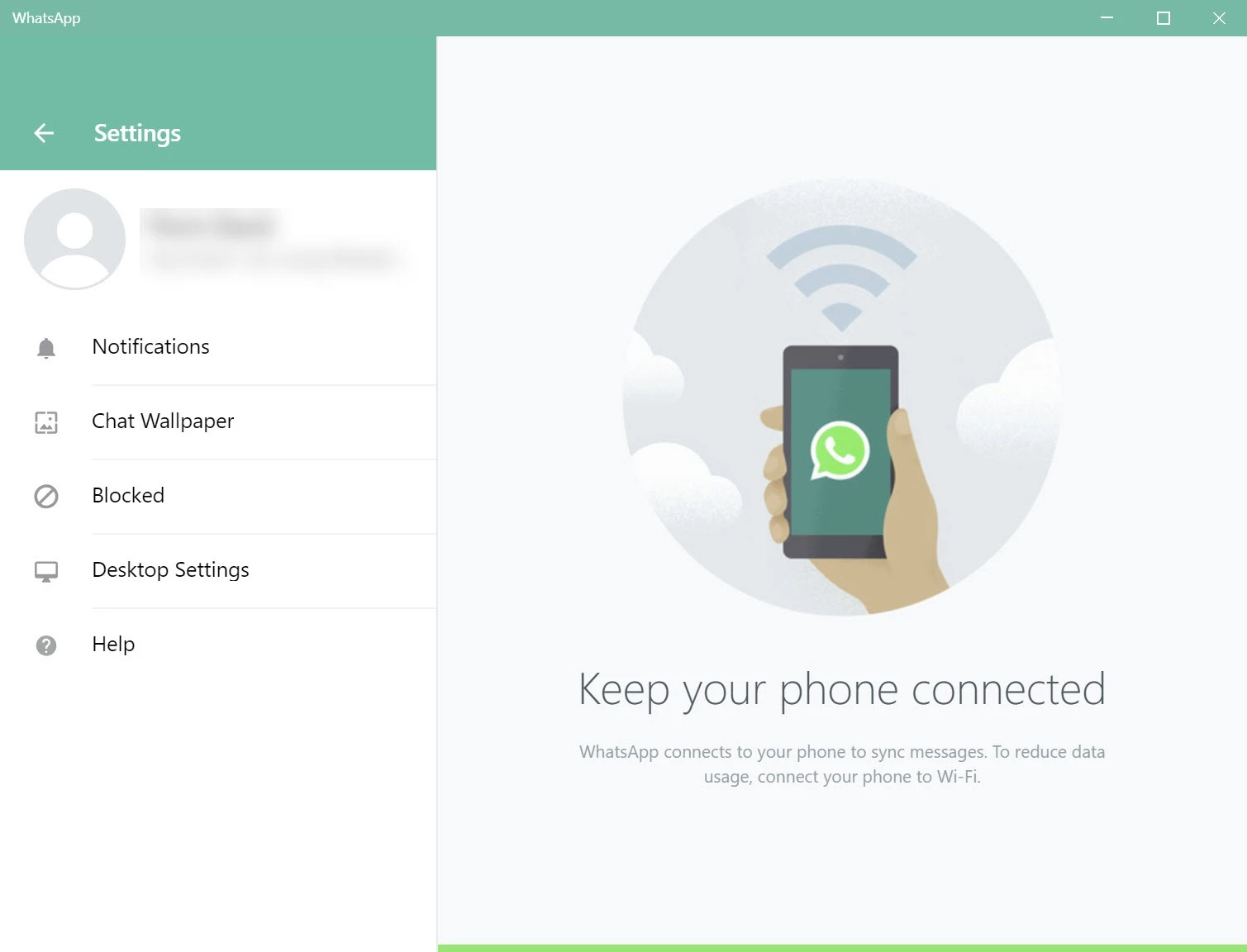
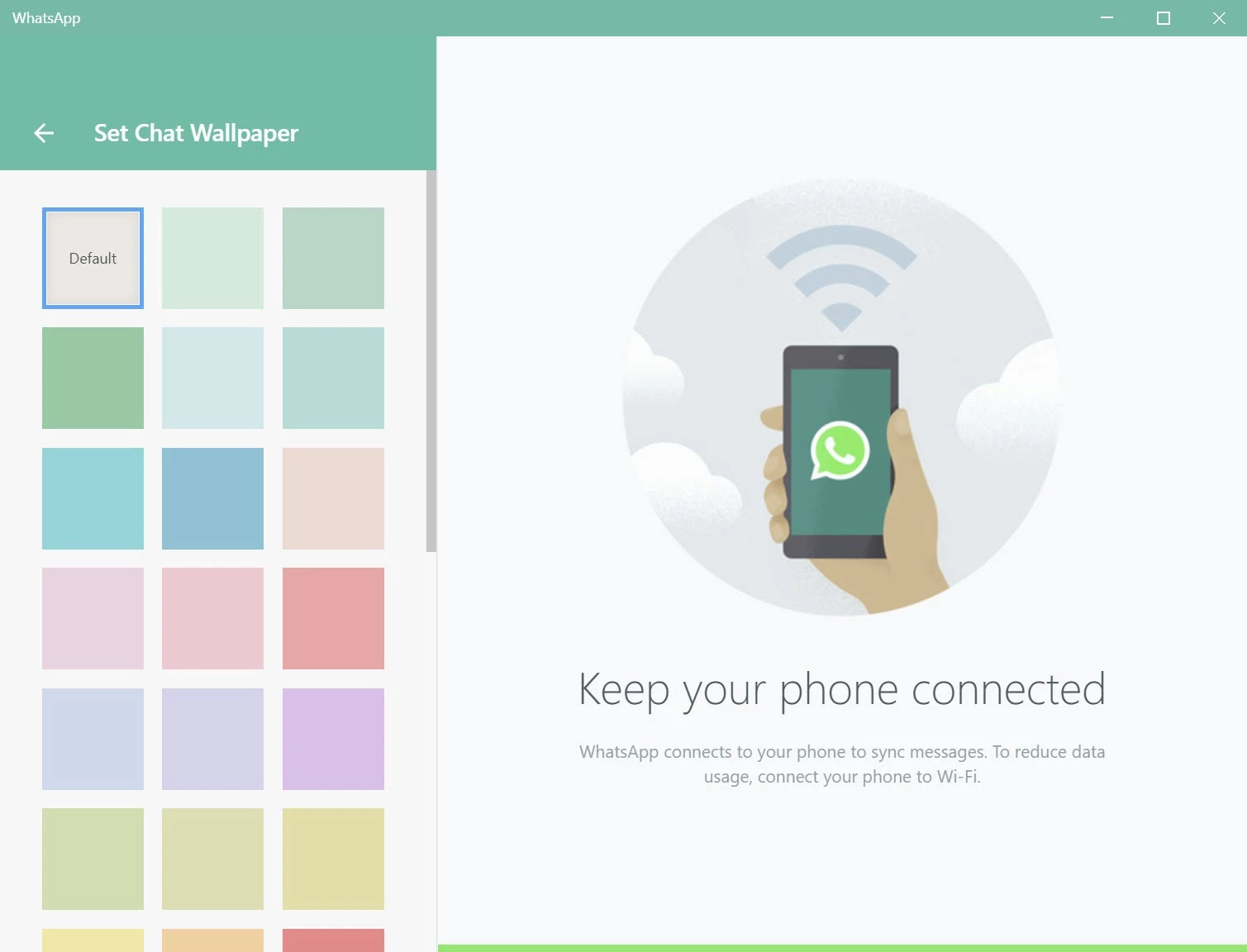
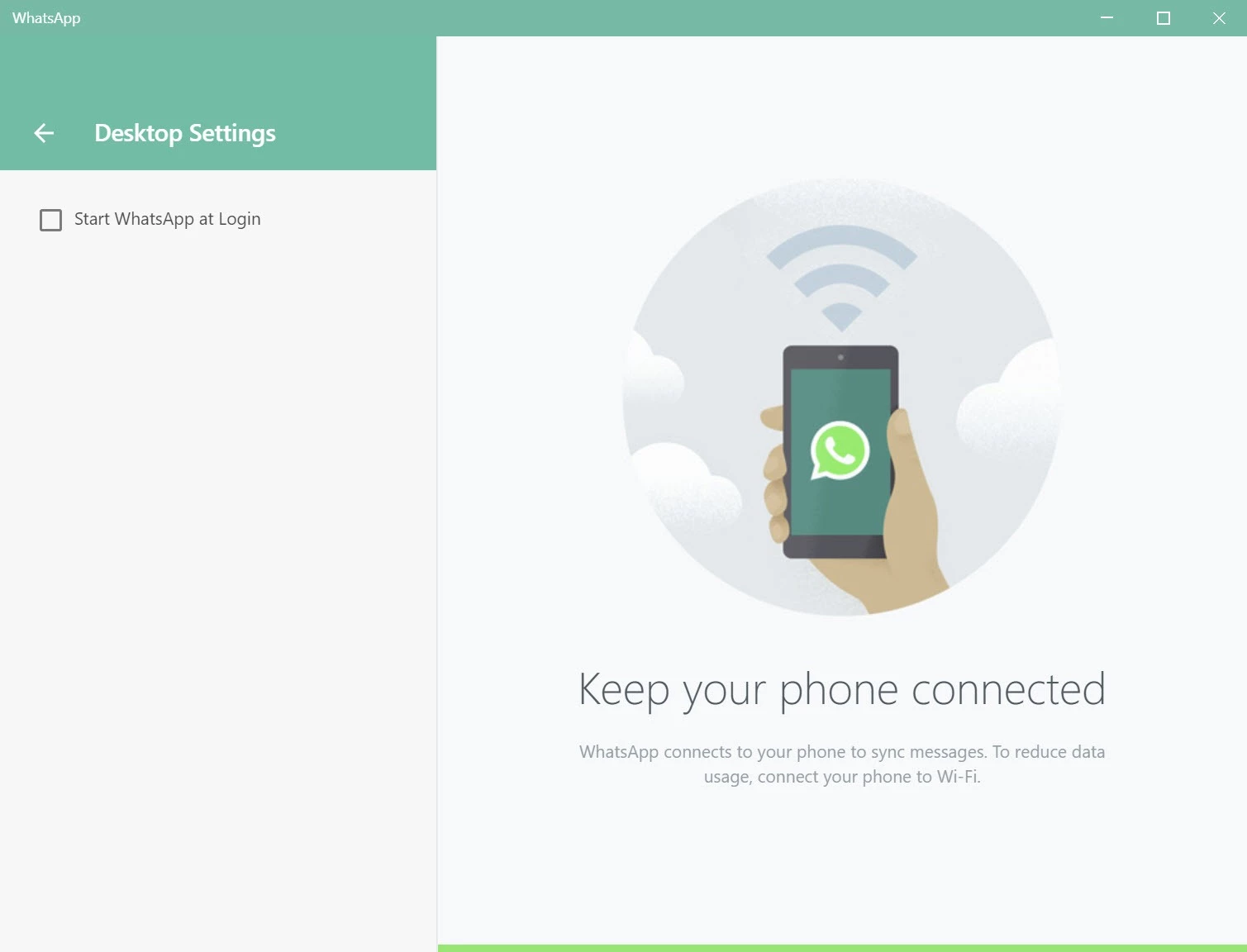
WhatsApp is a powerful and world-dominating instant messaging app, allowing users to connect with their loved ones across the world. It enables users to send and receive text messages, make audio/video calls, share multimedia files, and perform a lot of other innovative functionalities.
The app is basically designed for smartphones, but is now available for Windows PC, allowing users to sync their contacts and enjoy an exciting chat experience right on the big screen. The support for end-to-end encryption enables users to reliably share their most sensitive and private conversations.
WhatsApp Desktop is a popular instant messenger app used by two billion users every month. It is an American-based social media, instant messaging, and Voice over IP service, equally accessible through mobile phones and desktop computers. It was launched in 2009 and acquired by Facebook, Meta in 2014.
It was an Electron-based wrapper at the first stage for Windows PCs that was converted to a proper rewrite a couple of years back, and became a part of the Windows operating system. Now, it works independently of your phone, as it allows you to continue your chats, even if your phone is off or placed in another room.
The app can easily be started on desktop computers, as it requires QR code scanning from your phone and connecting it using your cell phone. You need only to click on the settings icon in WhatsApp and select WhatsApp Web. You will quickly be prompted to the QR code that is displayed on the Windows client. All of your contacts will be accessible on your desktop screen, and multiple features will also be available to make the transition between desktop and phone pretty seamless.
The AI assistance is one of the latest advanced functionalities added to WhatsApp for the ease of users to make their conversations fast and convenient. It offers Message Summaries integrated with Meta AI for generating short overviews of unread chats. In this way, you can quickly catch up on your active conversations more reliably. The next feature is Writing Help, enabling users to rewrite messages with different tones to make their responses more professional, friendly, and concise.
No doubt, the app requires QR code scanning from your phone screen, and also a phone number for the SMS verification step, and you are capable of linking up to four devices, such as phones, tablets, browsers, and desktop apps as well. The multi-device architecture doesn’t require your phone to be online or even nearby. You can continue your conversations through desktop, regardless of whether your phone is off or if you leave it on a charger across town. Because each linked device is managed with its own independent encryption keys, and each can decrypt its own copy of the conversation, instead of depending on the phone.
Audio/video calling works well within both one-to-one and group messaging, so everything will be smooth and easy while calling your mom or classmates as well. The conference calling feature can be expanded up to 32 people simultaneously; regardless, it can be an audio call or a video call. Moreover, the fully encrypted environment enables users to share their sensitive data and conversations more reliably, as it allows screen sharing to offer meeting-style use cases. However, you need a real microphone setup, and call quality depends on your internet connection.
The instant messaging app is the best solution to start chatting with your loved ones. But, sometimes we aren’t in the mood to type long sentences, so the app offers support for a huge collection of stickers and GIFs, share your moments on Status, record a voice message, or a video note up to 60 seconds. Everything is simple and easy, allowing users to express their feelings instantly and easily. In addition, you will find a native scheduled messaging feature and an Away Message feature to set automated replies, specifically when you are away from your device.
Despite Meta ownership, the app offers Signal protocol to underpin the end-to-end encryption, ensuring all of your communication, including text messages, voice and video calls, photos, files, and disappearing media, will all be encrypted, even on the desktop version as well. However, the person you are talking to, and from which IP address visible to the platform. The backup data to iCloud or Google Drive is also unencrypted.
It is another additional functionality added to WhatsApp, as the feature allows creators, organizations, and public figures to engage a huge audience without exposing their personal contact information. Likewise, Communities is another innovative section where multiple related groups are managed under one hub. It is the best option for schools, workplaces, clubs, and other local organizations to effectively deliver data, announcements, and other communications.
Pros
Cons

WhatsApp for PC is the most popular web app that helps you end-to-end encryption chat and audio/video calls.

Microsoft Teams collaboration and communication tool for personal and professional use

Download Facebook Android APK on PC Windows (7/10/11) to upload and share your happy memories, photos, and videos.

Zoom App for PC get all of your co-members and students in a video conference

Discord Canary, test upcoming features before they release

Telegram Desktop is Communication app for PC. Working under the MTProto protocol.